
Sitecake pitched, won and been featured with






Drag & drop items from anywhere: the website, your desktop, other browser window or cloud services like YouTube, Vimeo, Google maps, Twitter, etc. It just works!

Sitecake is static CMS that works with plain HTML and PHP pages. No need to learn new templating syntax, just add ‘sc-content’ CSS class to divs you want to make editable.

Sitecake is flat file CMS. Text changes are saved to HTML page, images to file system. Once editing is finished the website stays static.

Sitecake manages static pages. Static websites cached with CDN services load lightning fast. For mobile users faster is better. For Google ranking too.
                <div class="sc-content">


                <h1>Fine looking heading</h1>


                <img src=”feature.jpg">


                <p>Some text</p>


                </div>
First, add sc-content class to divs you want editable
                /css


                /images


                /js


                /sitecake


                index.html


                sitecake.php
Second, upload Sitecake to the same folder as your website
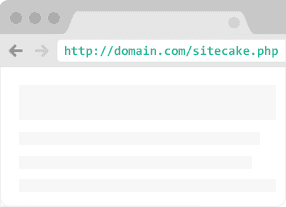
Third, point browser to http://domain.com/sitecake.php and login with ‘admin’ pass to start editing